
BLSP553E
Original price was: $12.00.$10.00Current price is: $10.00.
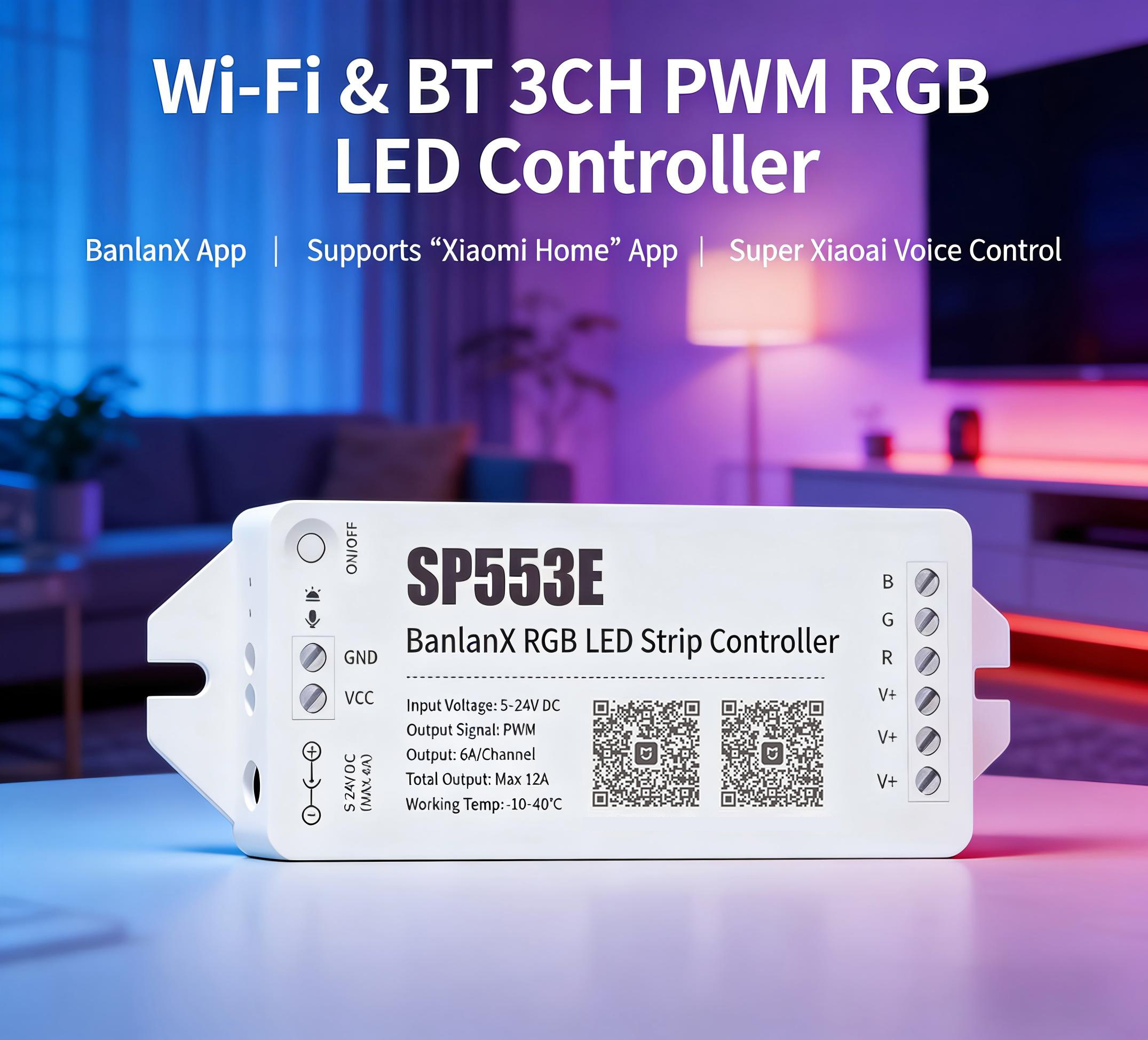
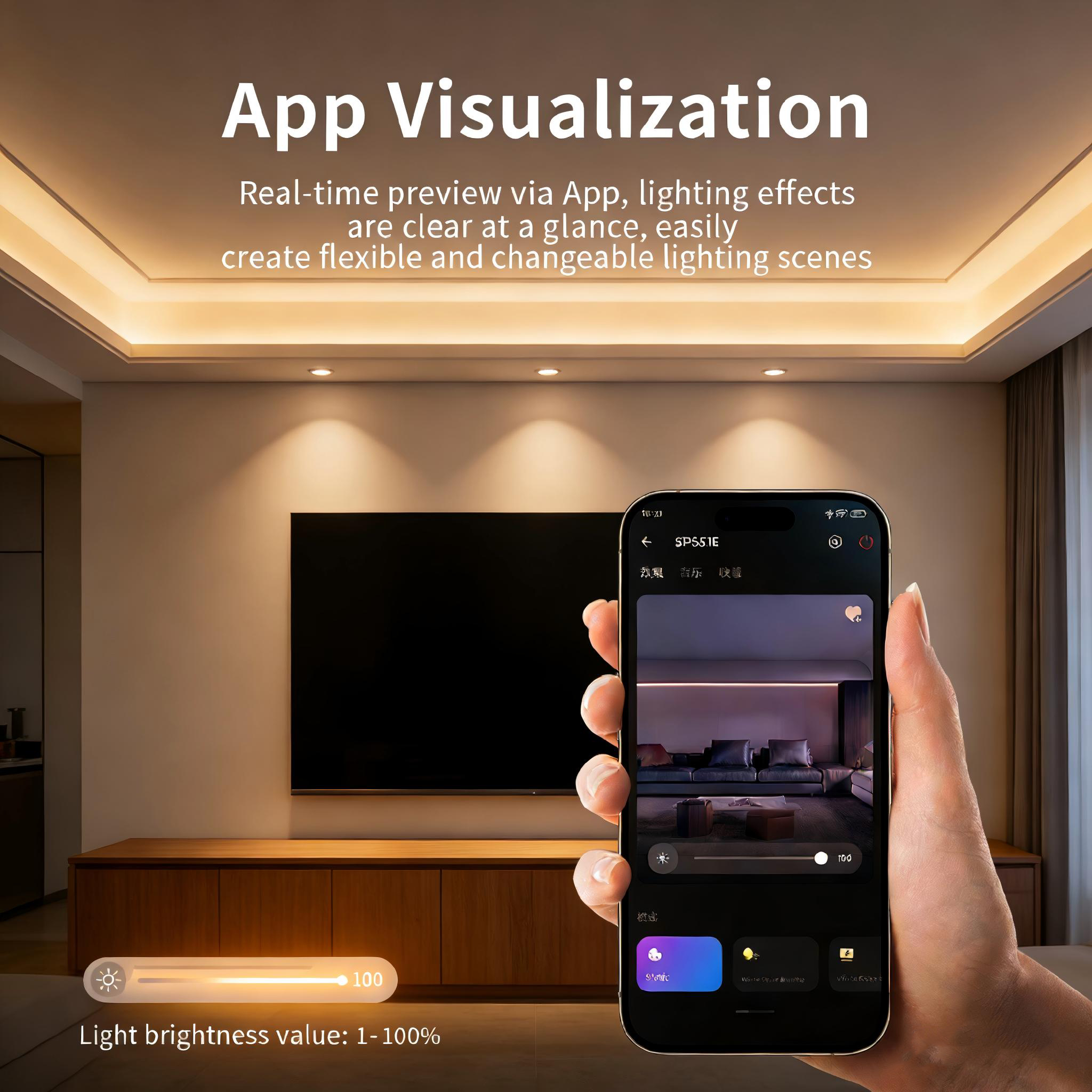
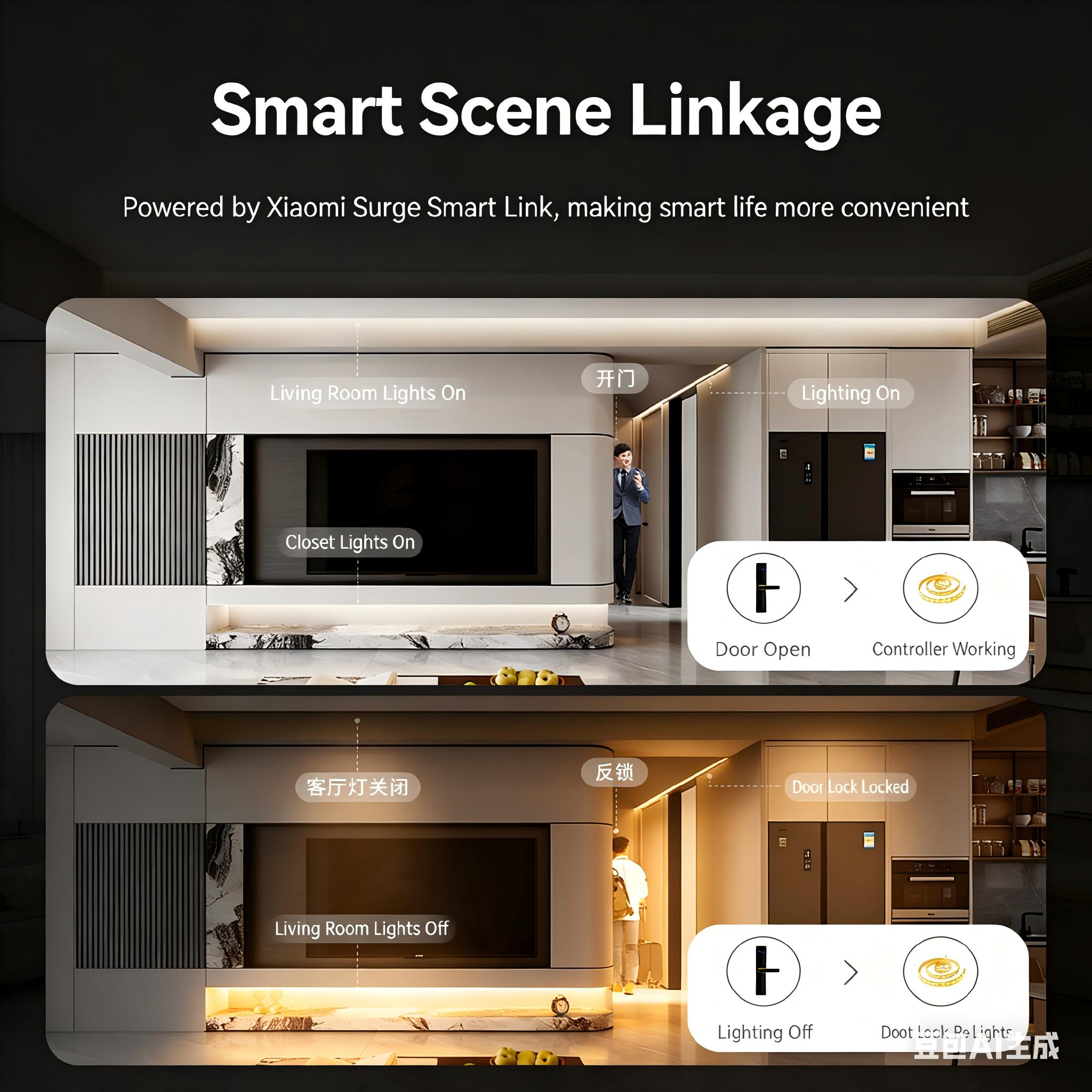
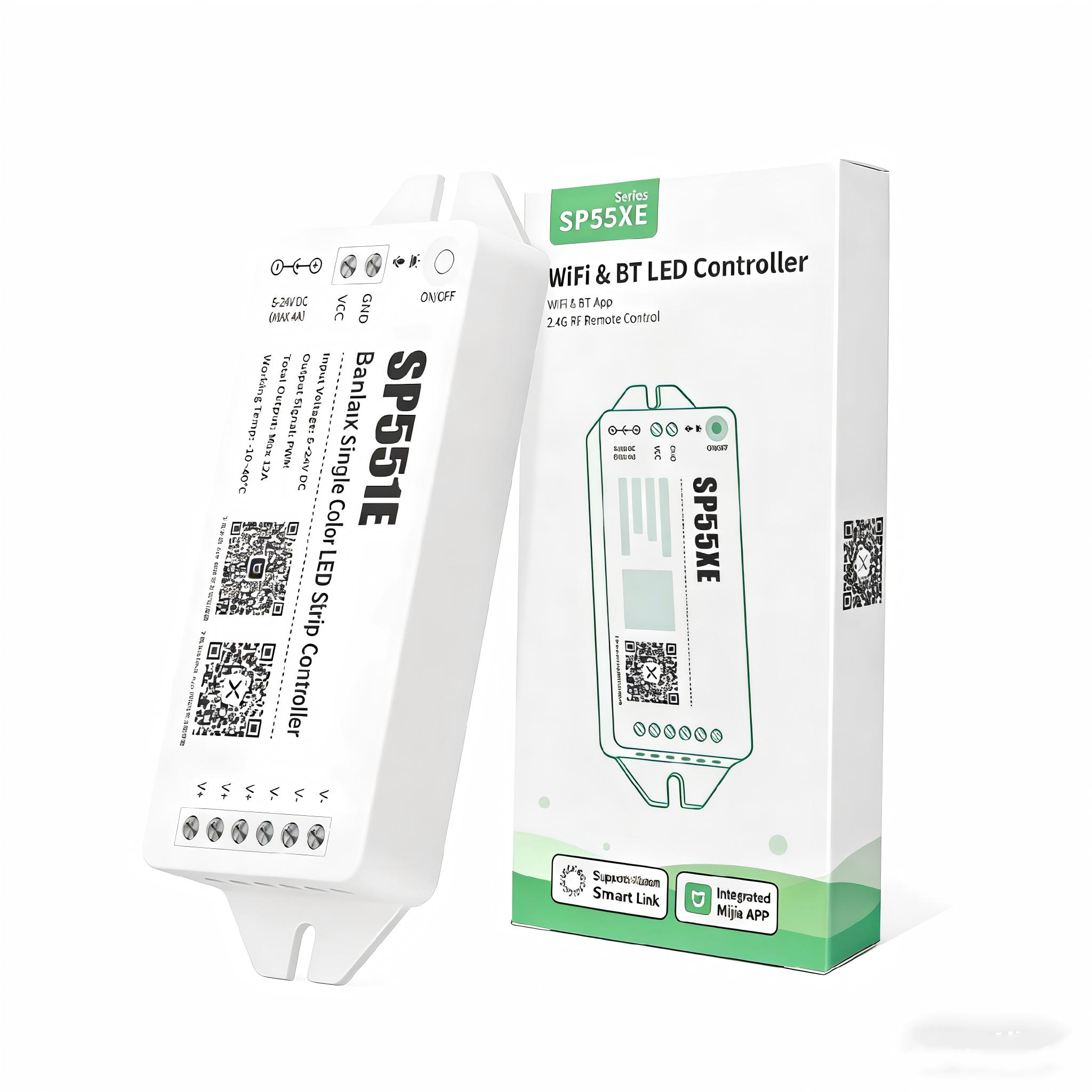
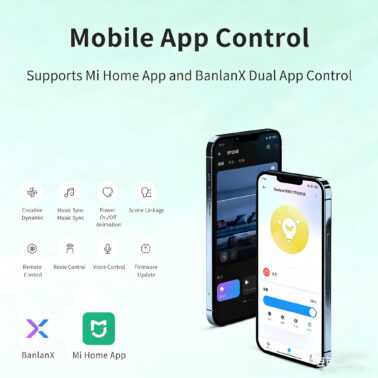
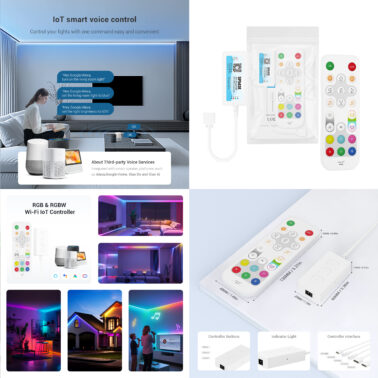
SP553E 3CH PWM RGB LED Controller with Wi-Fi and BT connectivity.It can be directly paired with the “Xiaomi Home” APP without a gateway for convenient smart control or voice control via XiaoAi. It also supports the BanlanX APP with a scene-based visual Ul, providing awid erange of RGB dynamic and music lighting effects.By combining smart scene linkage with diverse lighting effects, it creates vibrant and colorful scene atmospheres.
500 in stock (can be backordered)
Free shipping on orders over $50!
- Satisfaction Guaranteed
- No Hassle Refunds
- Secure Payments
Features:
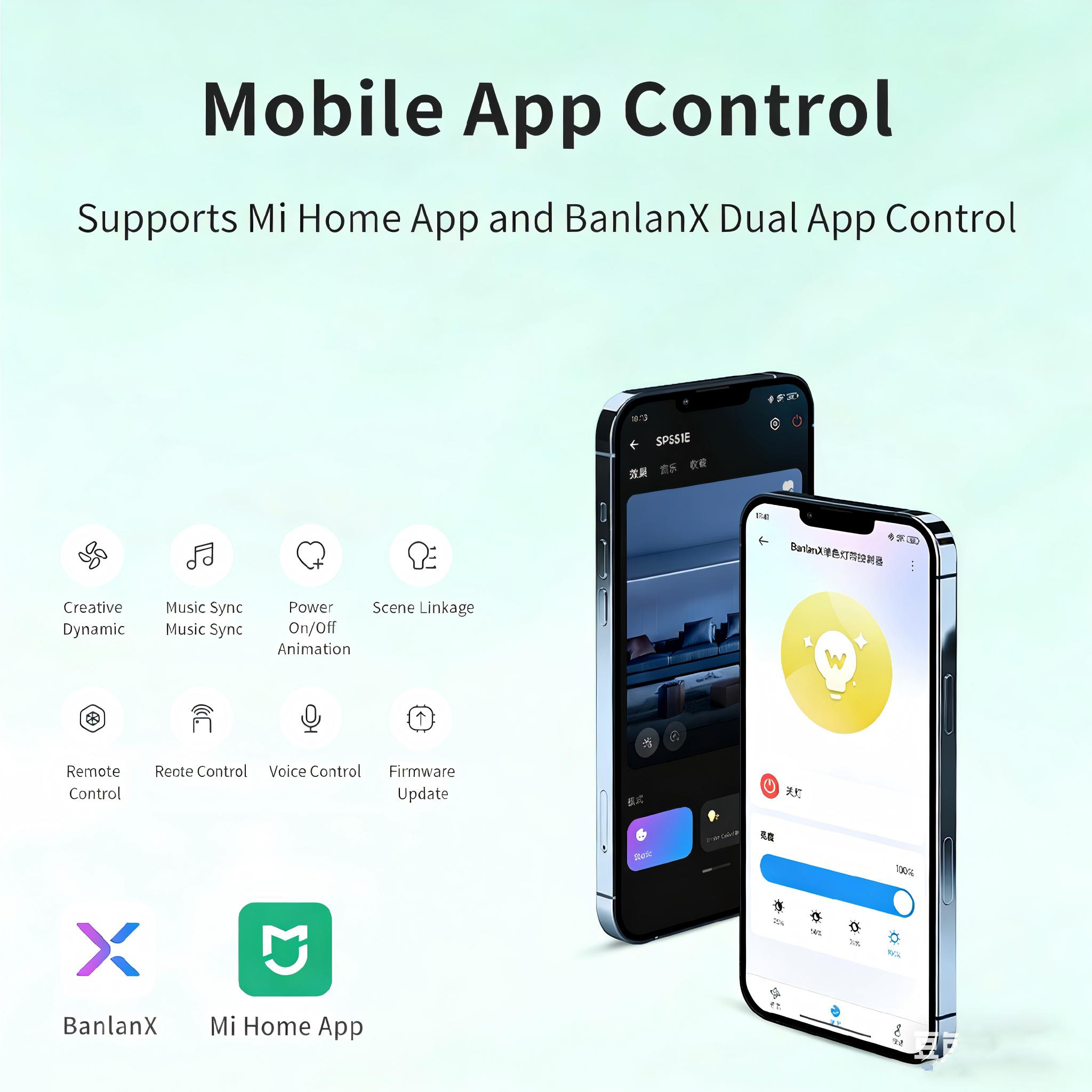
- Supports control by the”BanlanX”and”Xiaomi Home”APP.
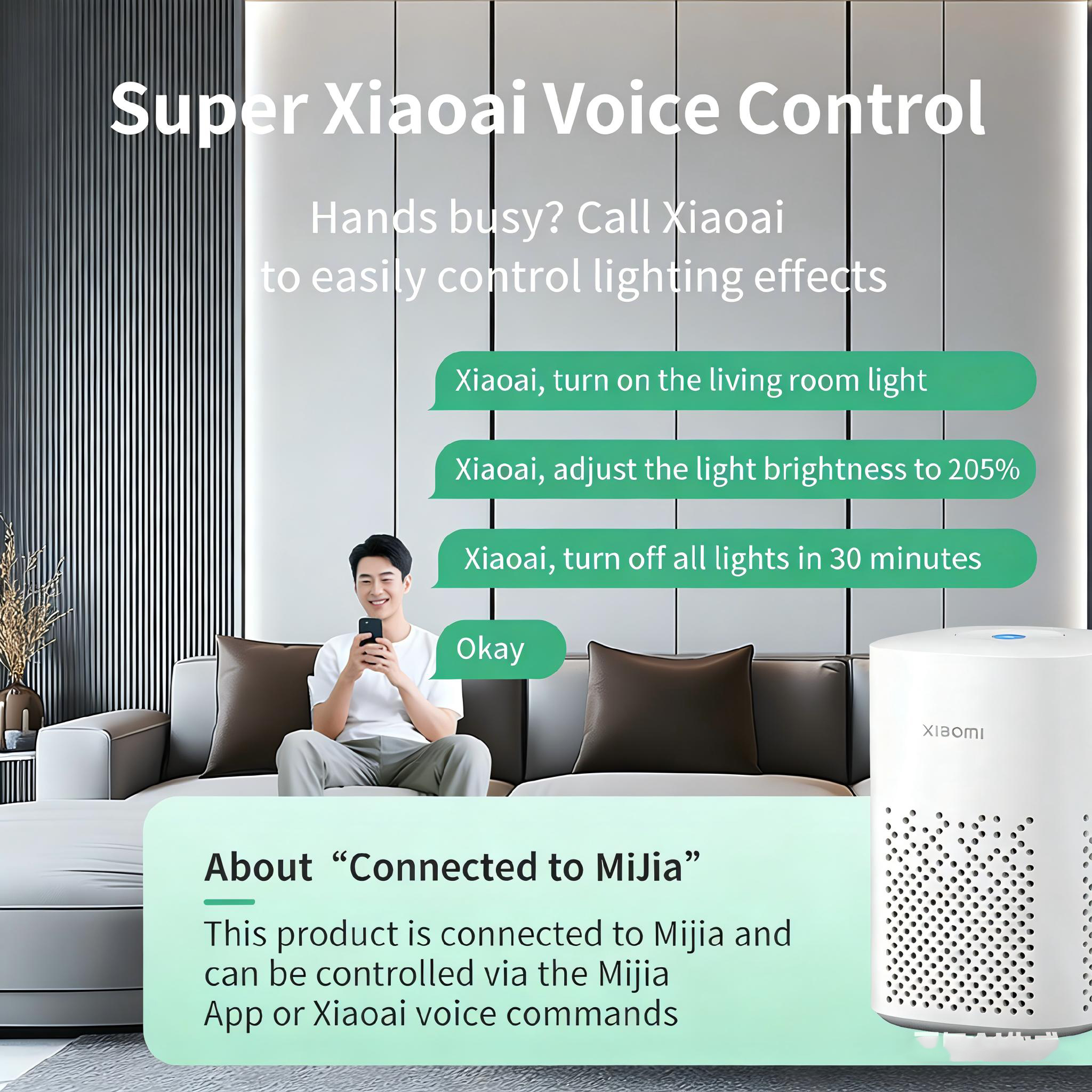
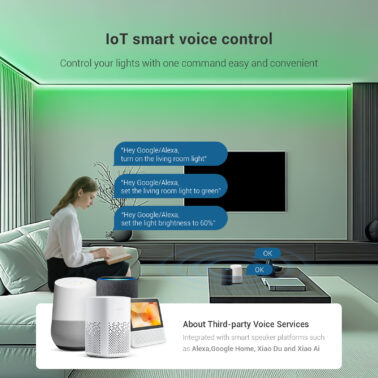
- Supports voice control with“Xiao Ai”.
- Supports 2.4G touch remote control and 2.4G touch 86-type control panel.
- Adopts high-power MOS transistors with high-frequency PWM dimming, delivering stronger and higher-quality driving performance.
- Supports white light dynamic and music effects, offering diverse lighting modes.
- With ON/OFF timer function and supports various ON/OFF animation effects.
- Supports OTA updates, ensuring your device stays with the latestfeatures and improvements.
Note: For more lighting effects and features such as creating a customized lightingfavorites list, please connect to the “BanlanX”APP for control.
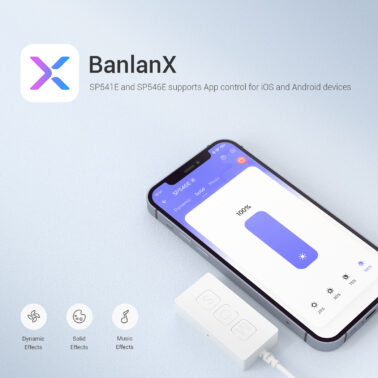
Mobile phone control application software:
1.SP551E~SP559E supports APP control for ioS and Android devices.
2.Apple devices require iOS 13.0 or higher, and Android devices requireAndroid 5.0 or higher.

Yon can search “BanlanX” in APP Store orGoogle Play to find the APP, or scan the QRcode to download and install.
Operations:
- Open the BanlanX APP and log in to your account。
- Select”Add Device”in the center or under the“+”icon in the upper right corner to enter the search page,then choose your device andcomplete pairing.
- The control interface allows you to manage regular and music effects. In the settings,you can modify the device name,set timers,set theON/OFF effects,and perform OTA firmware upgrades,etc.
Xiaomi Home APP
Scan the product’s QR code,or search for”Xiaomi Home”in the APP store,download andinstall the Xiaomi Home APP.User who havealready installed the Xiaomi Home APP will beguided to the device connection page.

Add device:
- Open the Xiaomi Home APP and log in to your account.
- Click on the upper right corner of the APP homepage“+”, enter the add device page.
- Or cilck on the upper right corner of the APP homepage“+”, then clickon Scan, scan the product QR code,and then follow the page promptsto complete the device add and use.
Tip 1: If the product QR code cannot be scanned, you can add the device by searching for the product name. In addition, due to the constant upgrading and updating of the Xiaomi HomeAPP, the actual operation may be slightly different from the above description,please follow the current Xiaomi Home APP guidance.
Tip 2: If the device is not found according to the above steps, you can reset the device and then add it.
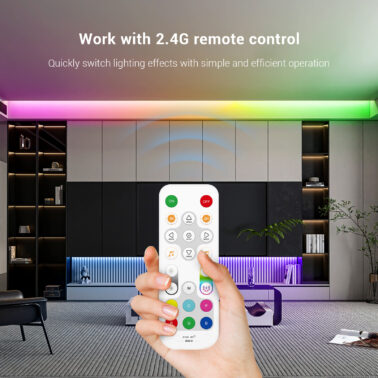
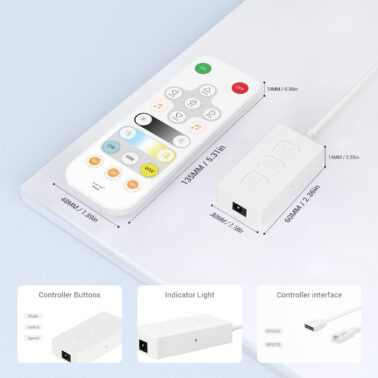
Work With 2.4G Touch Remote Control: The 2.4G touch remote control models(RB1 and RC1)that are compatible with SP553E are as follows:
- Support one-to-many control, one remote control can control multiple controllers.
- Support many-to-one control, each controller can bind up to 5 remote controls.
- Support unified control and 4-zones control.
Note: For detailed instructions, see the“2.4G Touch Remote Control Instructions”.
Note: The parameters of SP551E~SP559E are slightly different. 551-554 are PWM 1-4 channels; 555-559 are SPI outputs with different numbers of outputs. Please consult customer service for the corresponding datasheet.
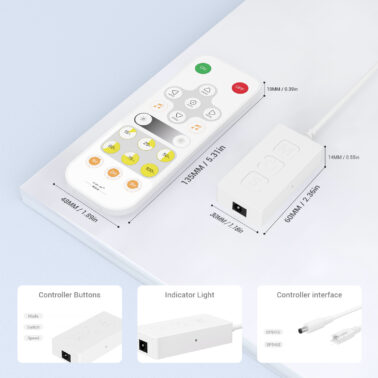
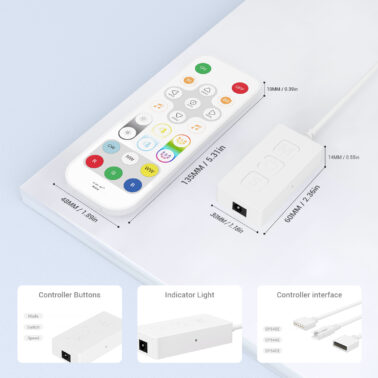
Indicator Light and Button Description:
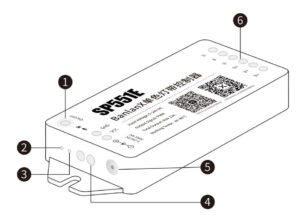
ON/OFF: Short Press:Turn the light ON/OFF; Long Press:Enter pairing mode/Reset the device.
2. Indicator Light.
3. MIC.
4. Power Terminal.
5. 5.5/2.1mm DC Jack.
6. LED Signal Output, B/G/R/v+/v+/v+
Indicator Light Status Description:
• Operating Status: Green Light Steady On.
• Network Configuration Status: Green Light Fast Blinking.
• Receiving Remote Control Data: The green light blinks once per received data signal.
Reset Method:
Power on the device, then either press and hold the power button for 7 seconds untilthe indicator light flashes, or plug and unplug the power supply 5 times(with at leasta 2-second interval) until the indicator light flashes.
| Weight | 0.22 lbs |
|---|---|
| Dimensions | 4.65 × 1.77 × 0.591 in |
| Rated voltage | 5V-24VDC |
| Working Current | 20mA~70mA |
| Data Type | PWM |
| Output interface | 3CH PWM RGB LED loT Controller, |
| Working Temp | -10℃~40℃ |
| PWM Single Channel Maximun Output Current | 6A |
| PWM Total Maximun Output Current | 12A |
Related products
-
BLSP544E
$5.20 -
BLSP323E
$25.00 -
BLSP541E
$5.20 -
BLSP545E
$5.20 -
BLSP542E
$5.20 -
BLSP54BE
Original price was: $6.00.$5.20Current price is: $5.20. -
BLSP642E
$2.95 -
BLSP325E
$25.00 -
BLSP552E
Original price was: $10.50.$9.85Current price is: $9.85. -
BLSP54CE
Original price was: $6.00.$5.20Current price is: $5.20.
Reviews
There are no reviews yet.