
BLSP328E
$30.00
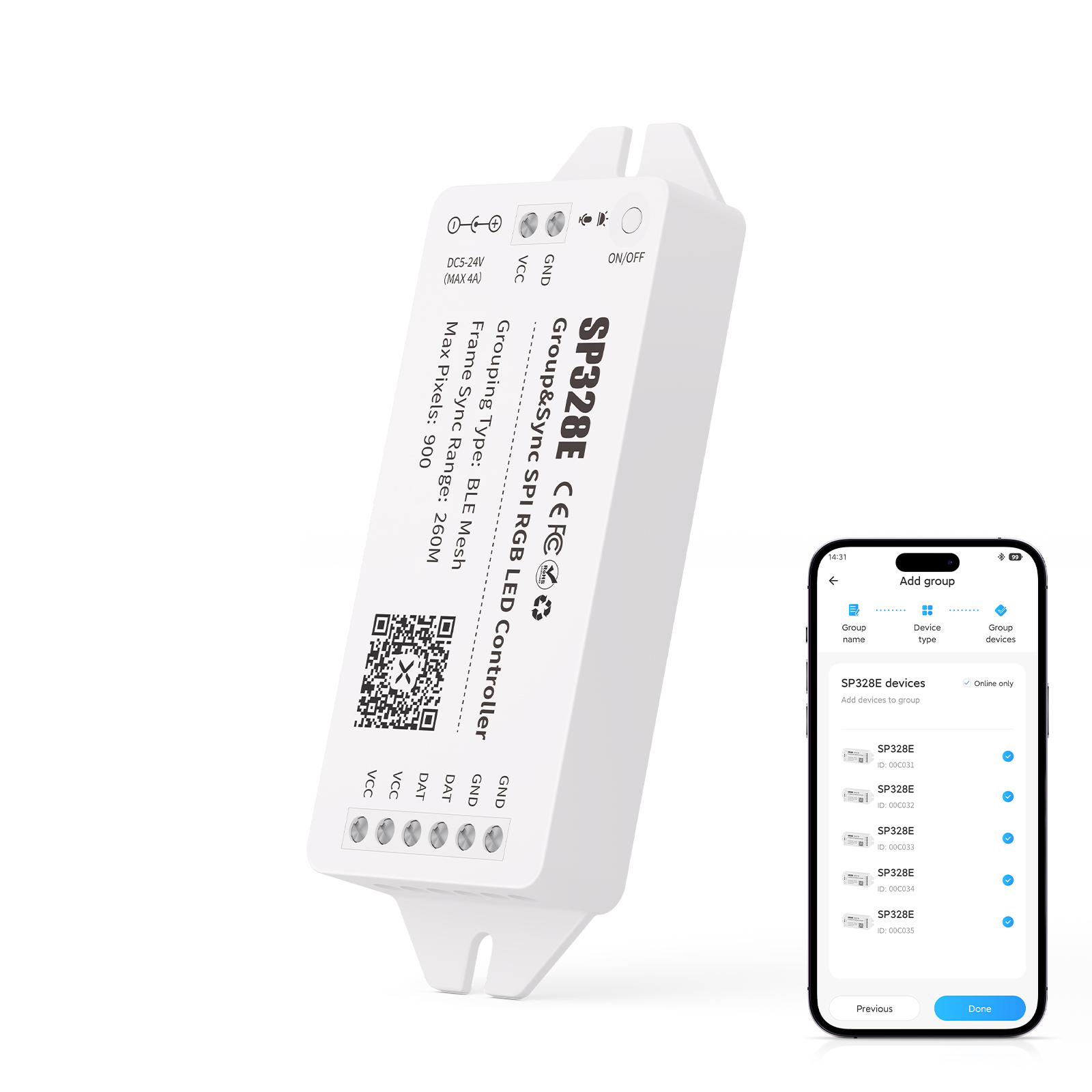
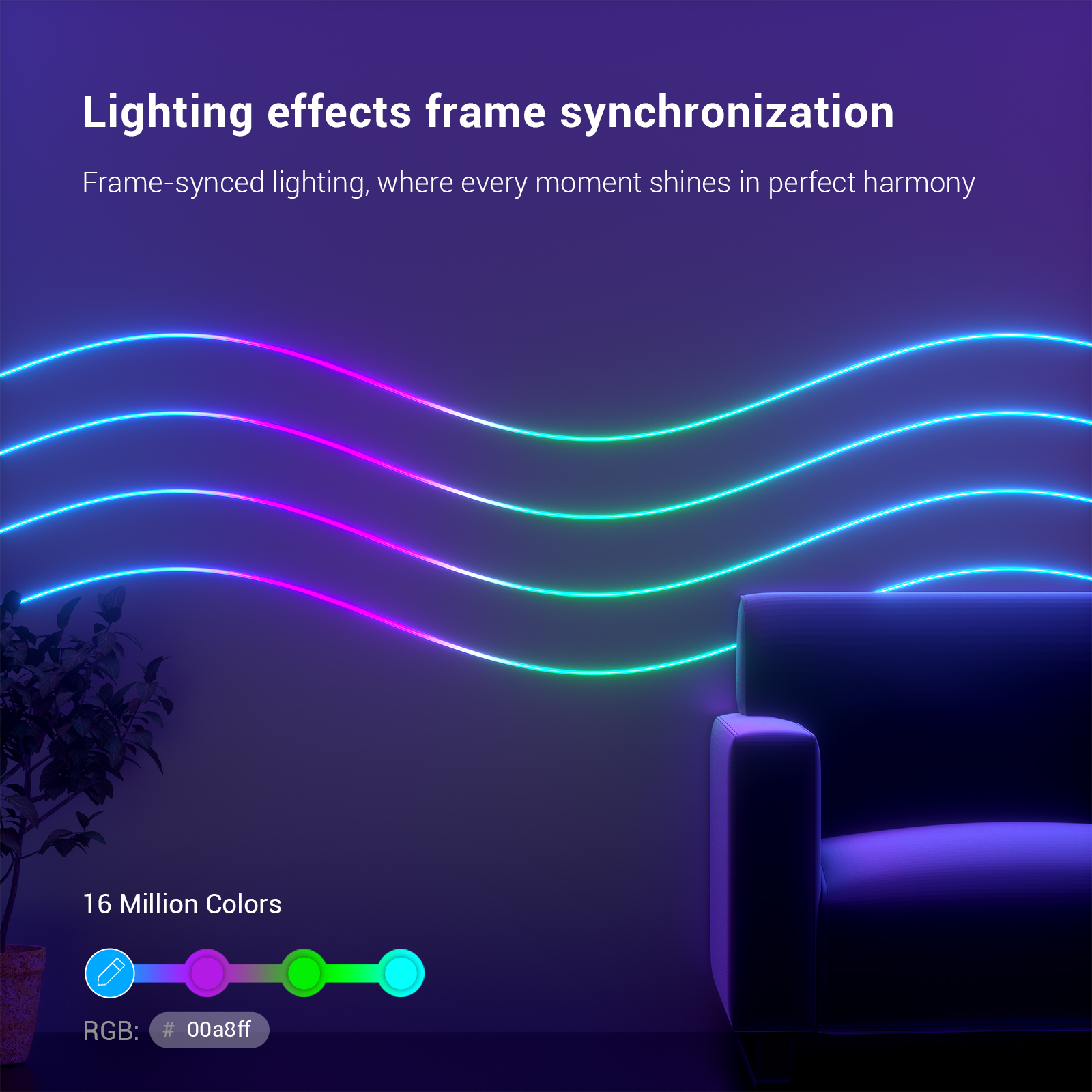
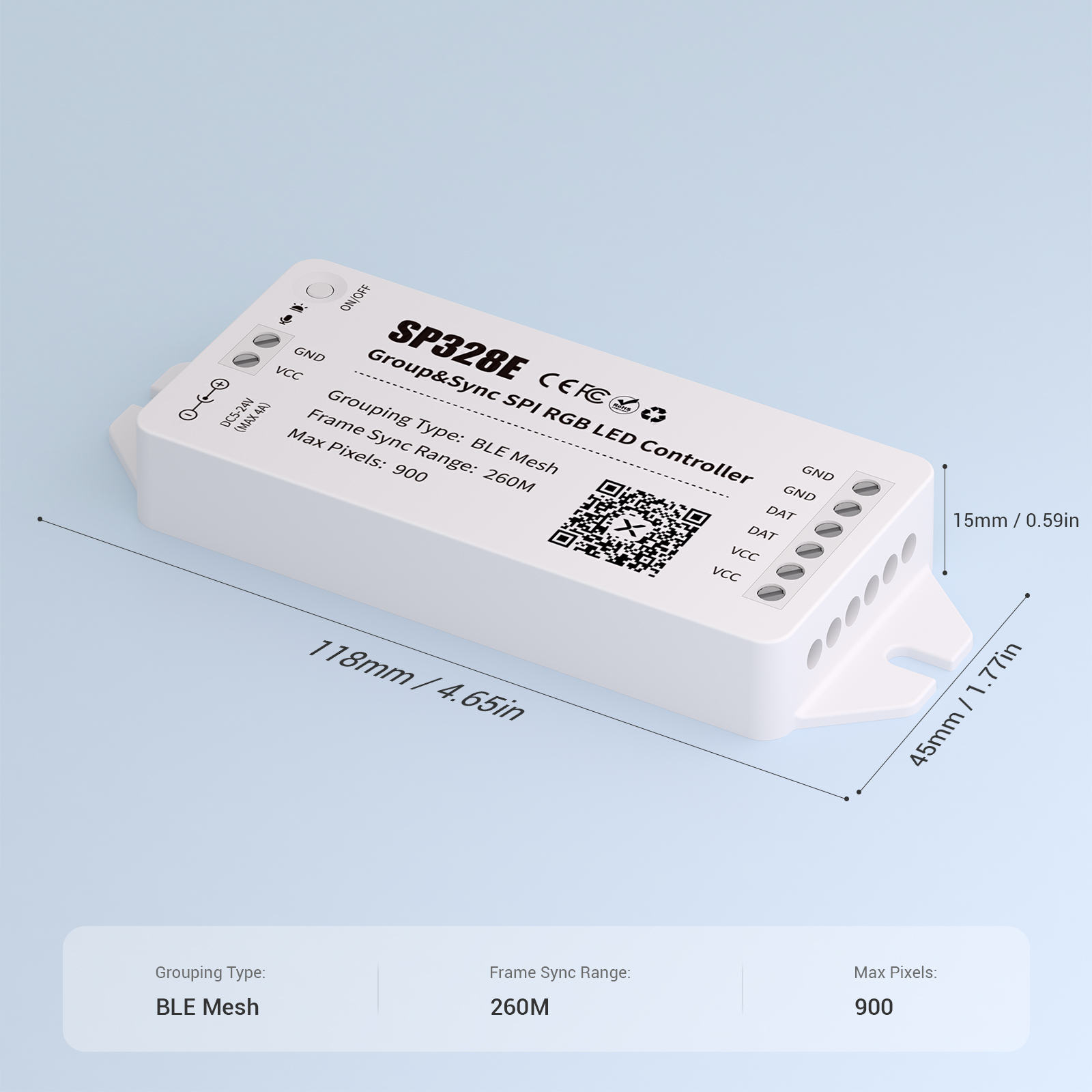
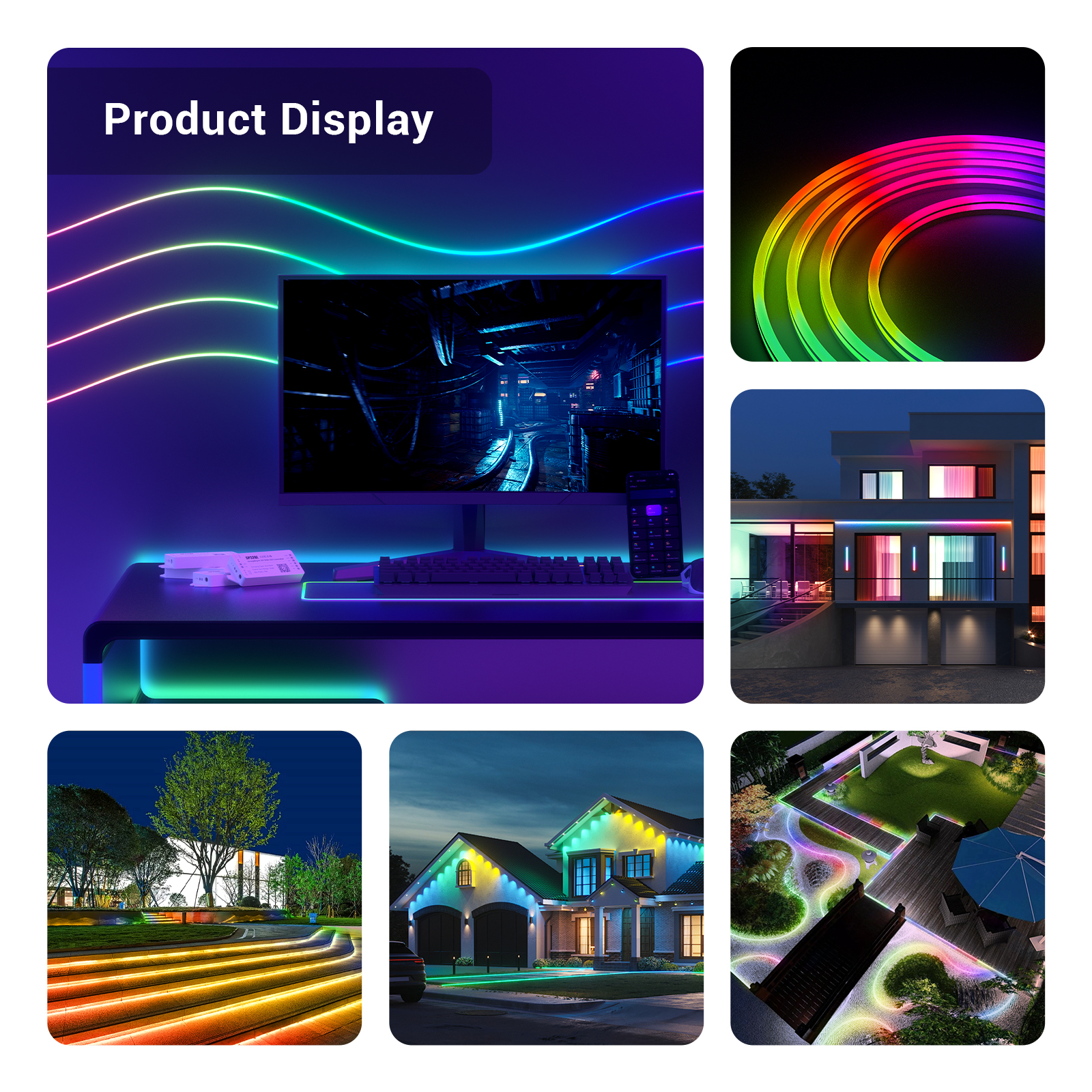
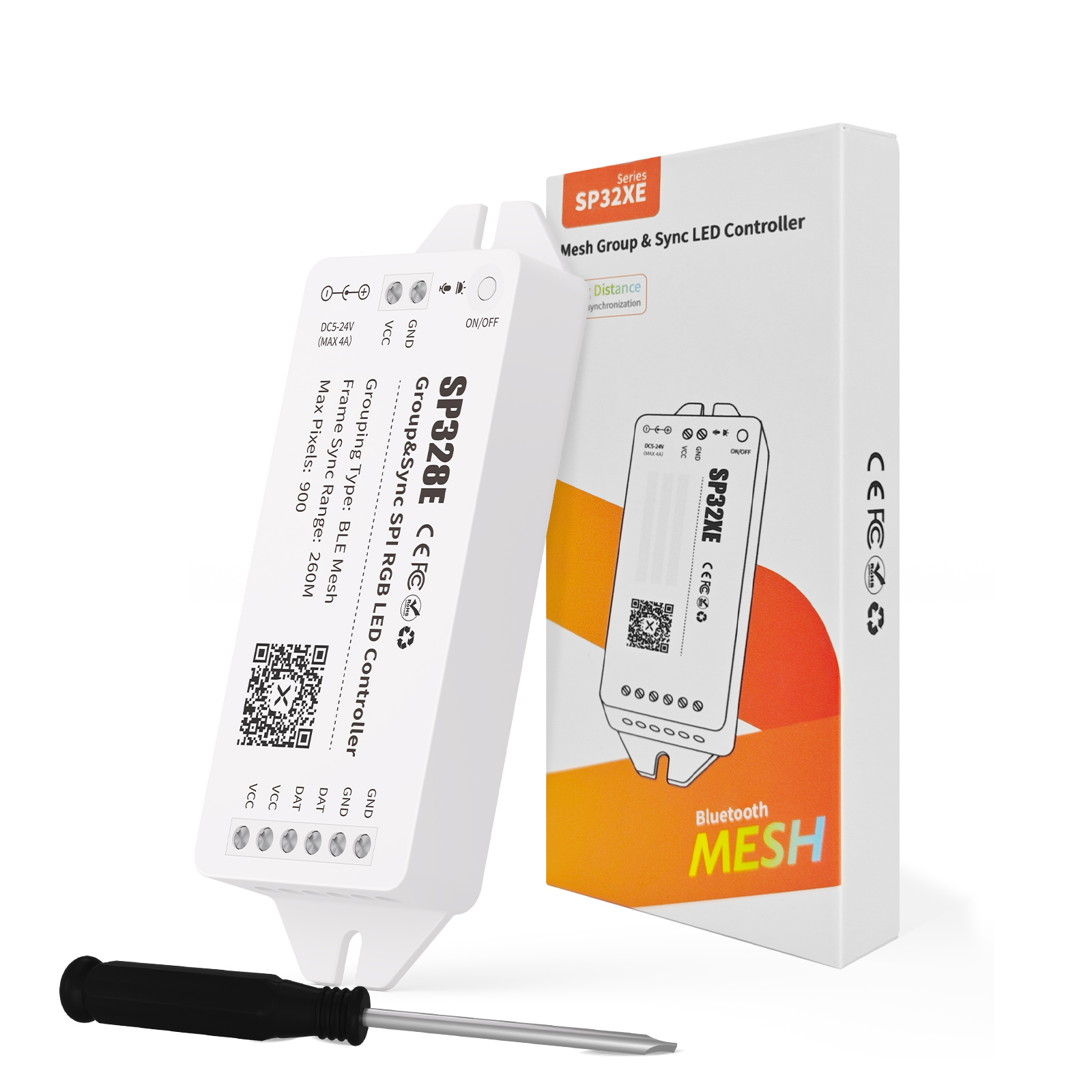
Mesh Networking Synchronization SPI Colorful RGB LED Controller. The controller is equipped with a flexible Bluetooth Mesh (BLE Mesh) group management function, which enables frame synchronization of lighting effects between devices within a radius of 260 meters. It adopts high-frequency PWM dimming technology, which can provide high-quality lighting performance. In addition, the controller also has dynamic white light effect and music linkage effect, which can meet diversified and flexible lighting needs.
999 in stock (can be backordered)
Free shipping on orders over $50!
- Satisfaction Guaranteed
- No Hassle Refunds
- Secure Payments
Functional Features:
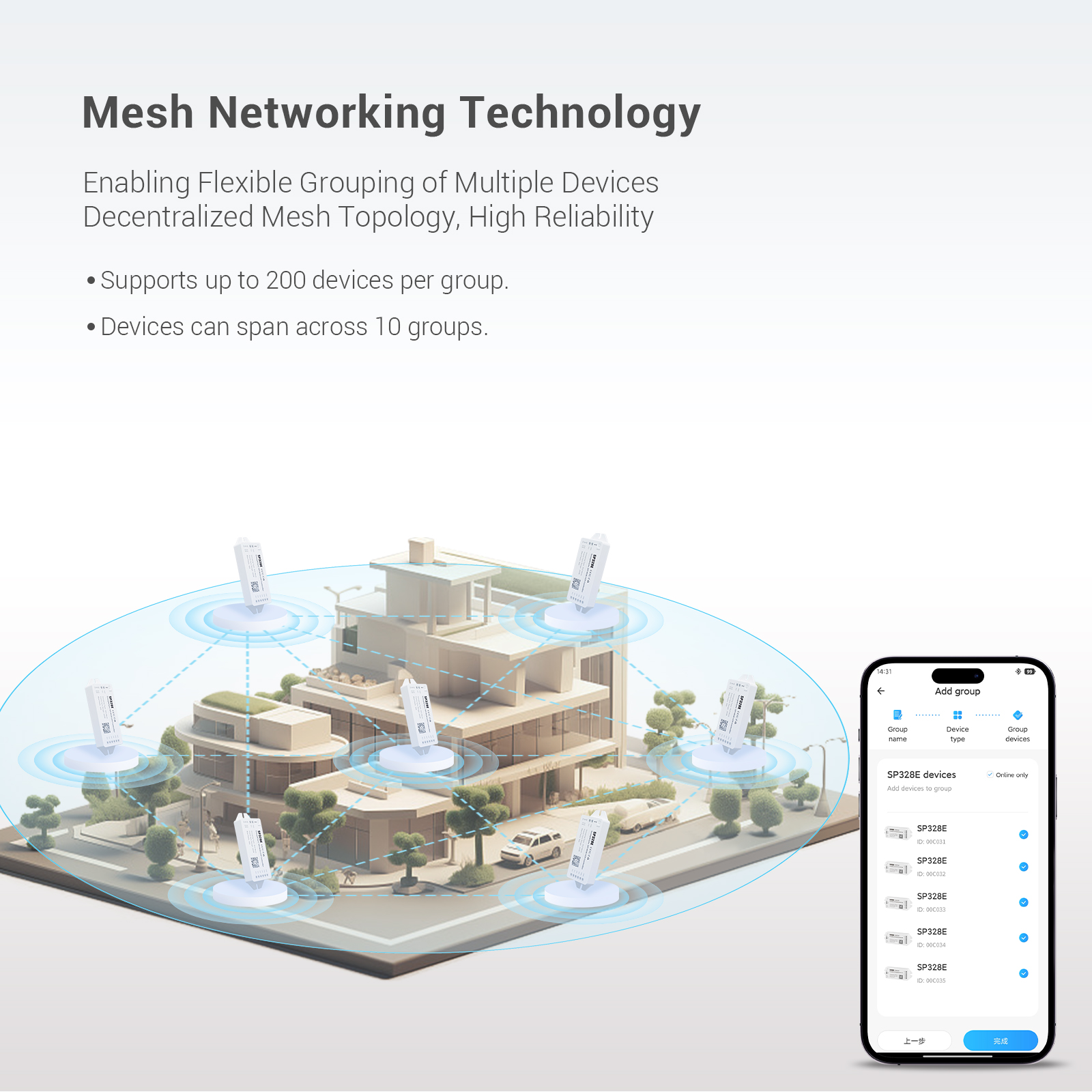
●Mesh network technology is adopted to flexibly combine multiple devices.
●The decentralized mesh topology ensures high reliability and stability.
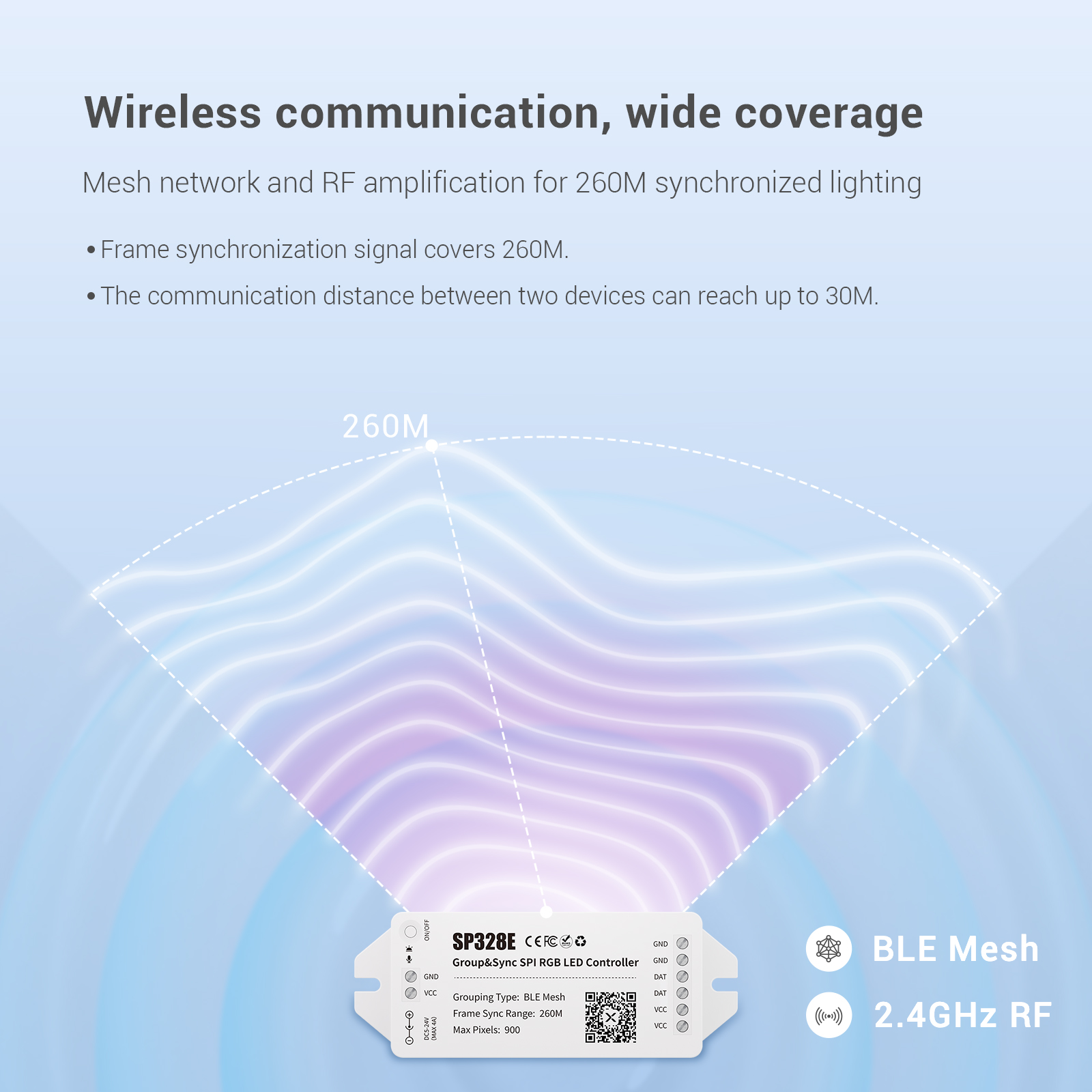
● Built-in RF amplifier chip provides a wide range of wireless coverage and enables frame synchronization of lighting effects within a radius of 260 meters.
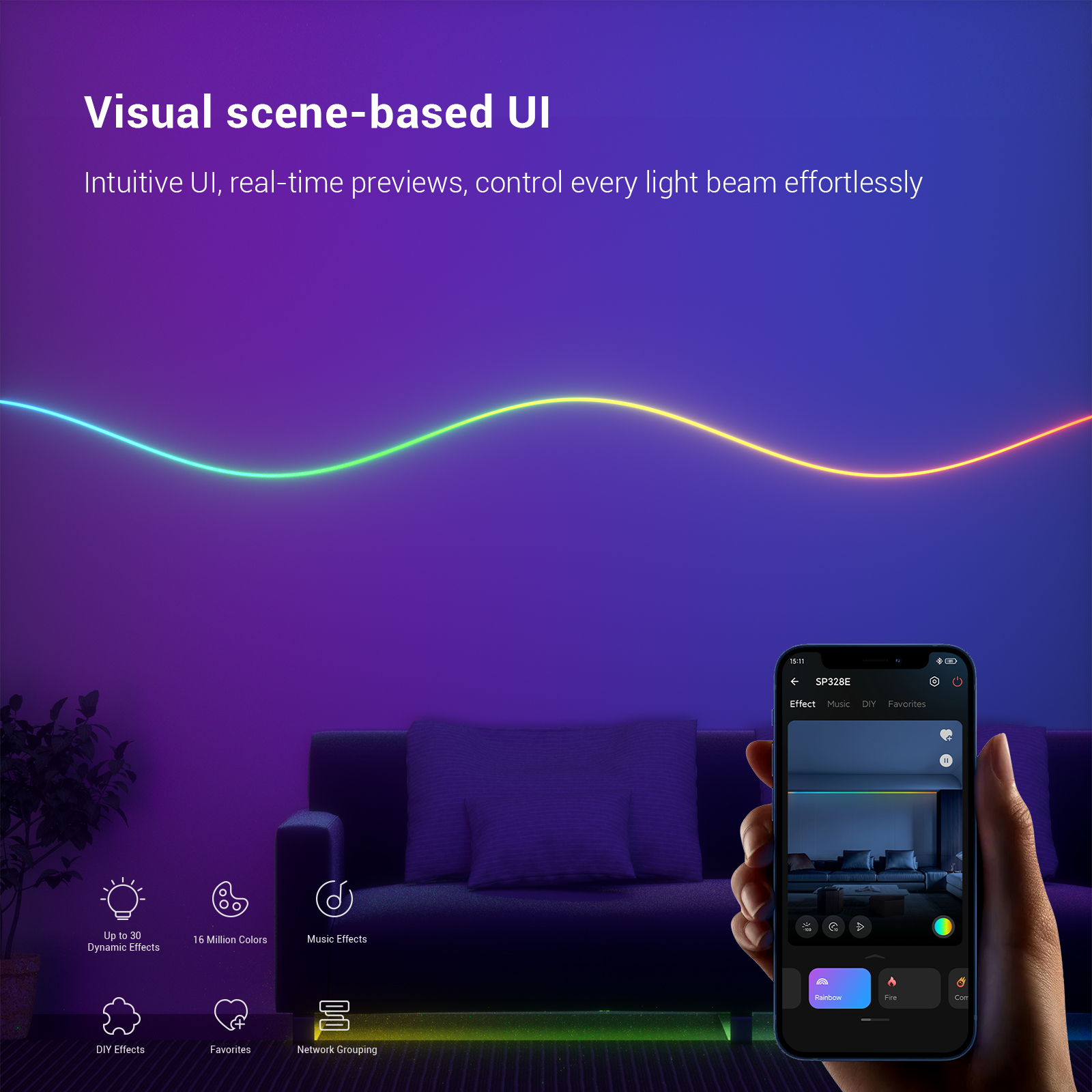
● Scene-based application user interface design provides visual preview of lighting effects and delivers a unique visual experience.
● It adopts high-power MOSFET and 16KHz high-frequency PWM dimming to provide stronger and higher-quality driving capability.
● Built-in dynamic white light effects and music effects.
● Support scheduled on/off and automatic device reconnection function.
● Supports OTA firmware upgrade to maintain the optimal performance of the device.
BanlanX Application:
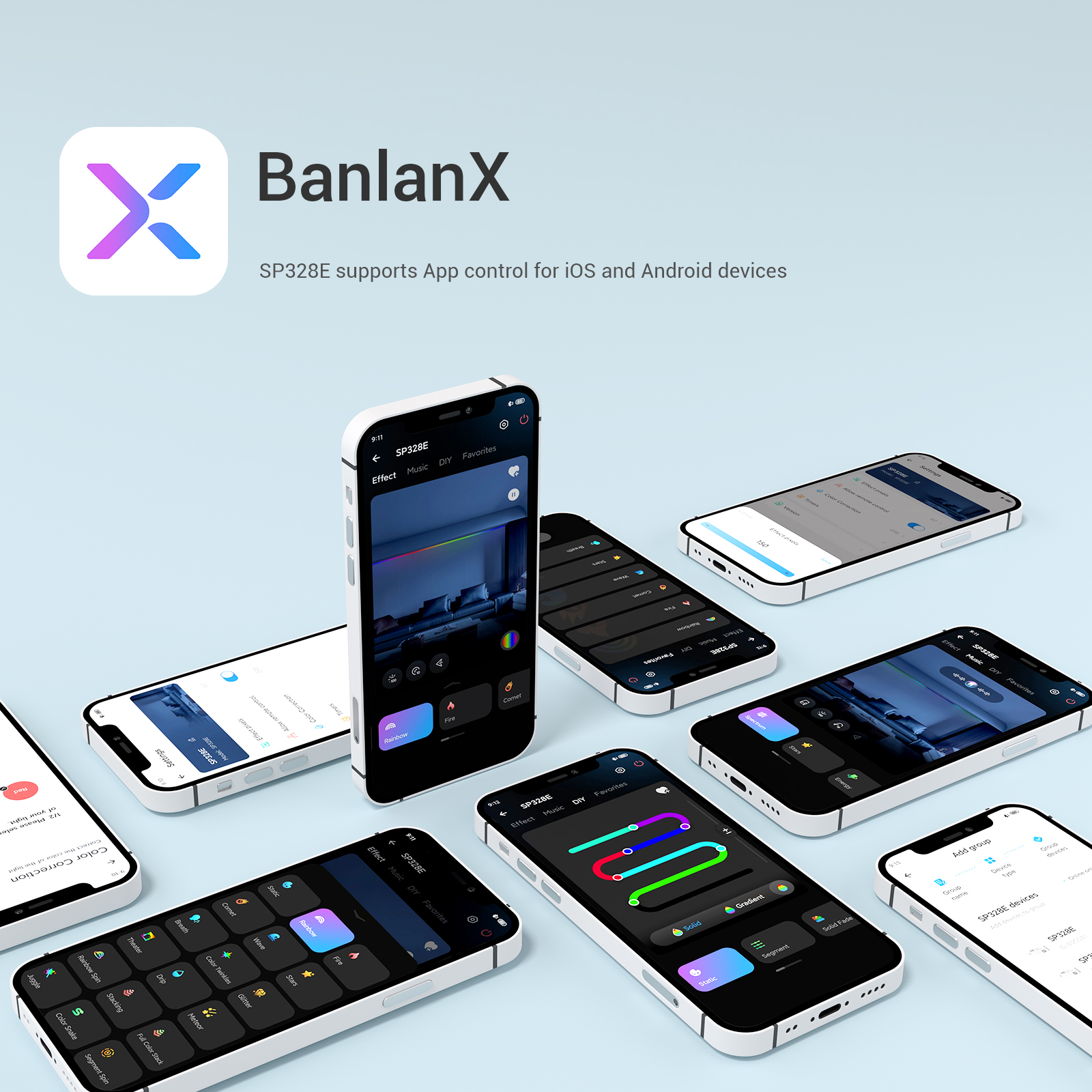
● SP328E supports application control for iOS and Android devices.
● Apple devices require iOS 10.0 or a later version, Android devices require Android 4.4 or a later version.
● You can visit the App Store or search for “BanlanX” on Google Play to find this app, or scan the QR code to download and install it.

● Registration and Login:
Click the “Register” button at the top right of the page → Fill in the required information → Complete registration → Log in
Attention:
Click “Log in without an account” → enter guest mode (some functions may be restricted).
● Add Device:
After successful registration, add the device by going to “Add Device” or “Search Page” → “Select Device” → “Complete Addition”. Note: When adding the device, the blue light and green light will flash simultaneously.
● Add group:
After successful registration, add a group by following the steps: “Add Group” or “Create and Name Group” → “Select Device Type (SP³)” → “Select Device” → “Complete Addition”. Please note that the devices in the group will be automatically configured as master or slave devices in the system.
Notes:
1. Devices need to be added to the device list one by one before grouping. A single controller can be assigned to a maximum of 10 groups at the same time.
2. Light Effects:When adding or deleting a group; on success (white light flashes once); on failure (white light flashes twice).
●Wireless frame synchronization:
After the grouping is completed, the devices within the group will automatically obtain the wireless frame synchronization function (the music and lighting effects do not have the frame synchronization function), without any manual operation.
●Single-control/Group-control Switch:
Single Control Mode: In the device list (Figure 1), click the controller tab to enter single control mode, and the blue indicator light of the device will remain on at this time.


■Group Control:
In the group list (Figure 2), click the Group tab to enter the group control mode. At this time, the devices in the group will perform frame synchronization automatically, the green indicator light of the master controller will remain on, and the green indicator light of the slave controller will go out.
●Delete/Edit and Reset:
●Delete group: Long press the group tab (Figure 2) → select Delete → dissolve the entire group. At this time, all devices in the group will return to the ungrouped state, and the blue indicator light will remain on.
Edit devices in the group: Long press the group tab (Figure 2) → select Edit → select/deselect devices → Done.
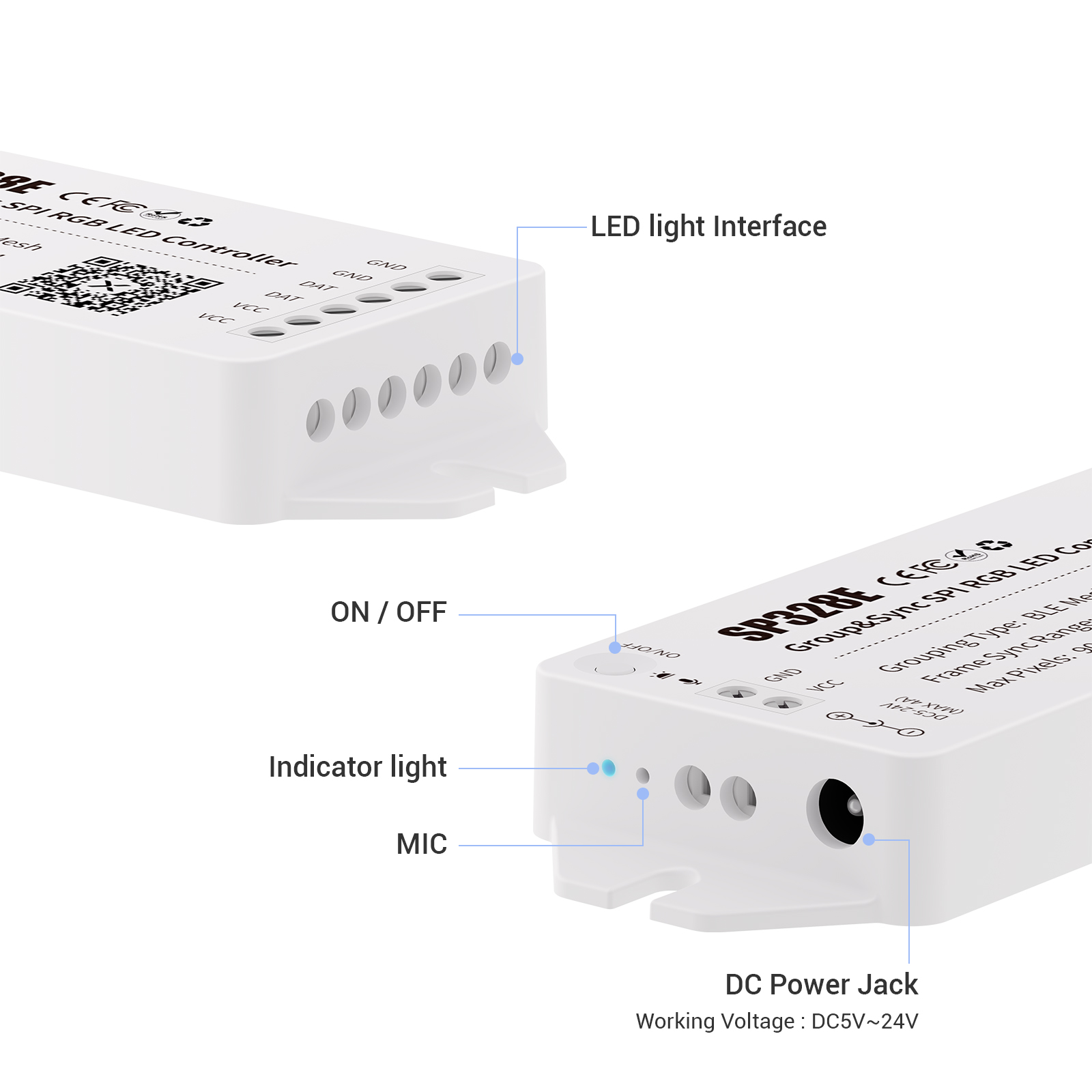
●Device Deletion and Reset: Software Reset (Method 1): Long press the device label in the device list (Figure 1) → Remove → Reset completed. Button Reset (Method 2): Within 20 seconds after the device is powered on, long press the switch button for 5 seconds → The blue and green indicator lights flash simultaneously → Release, the blue indicator light remains on → Reset completed.
For detailed product information, please refer to the specification sheet.
| Weight | 0.11 lbs |
|---|---|
| Dimensions | 4.65 × 1.77 × 0.787 in |
| Working Voltage | DC5V-24V |
| Working Current | 15mA-60mA |
| Working Temp | -10℃~60℃ |
| Data Type | SPI, IC type: supports regular single-wire serial zeroing 3-channel driver IC |
| control | Symphony (WS2811、UCS1903、SM16703) |
| load point | 900 |
| Wireless Distance Open space | In a Mesh network,two devices in a group can be up to 30 metersapart,and the frame synchronization signal covers a radius of up to260 meters. |
Related products
-
BLSP556E
$12.00 -
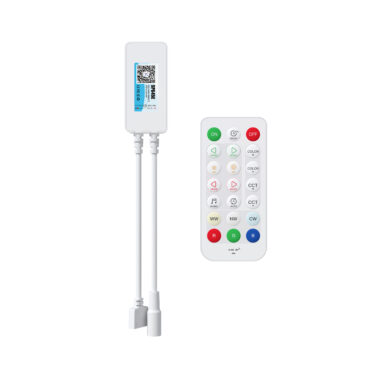
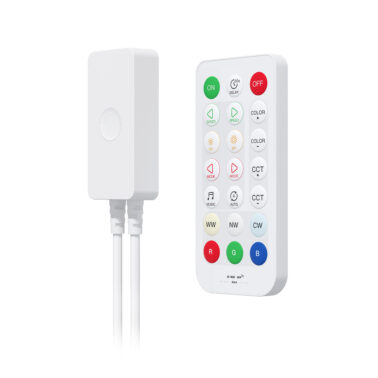
BLSP645E
$2.95 -
BLSP54AE
Original price was: $5.20.$5.00Current price is: $5.00. -
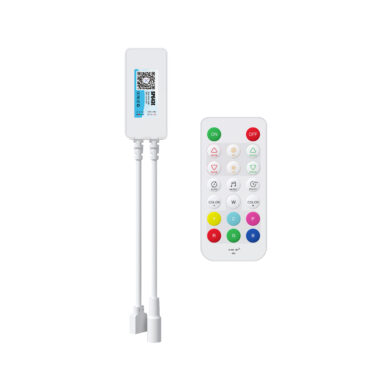
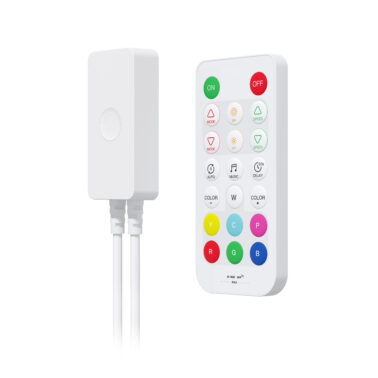
BLSP643E
$2.95 -
BLSP54CE
Original price was: $6.00.$5.20Current price is: $5.20. -
BLSP543E
Original price was: $5.20.$4.68Current price is: $4.68. -
BLSP323E
$25.00 -
BLSP544E
$5.20 -
BLSP542E
$5.20 -
BLSP547E
$5.20
Reviews
There are no reviews yet.